
Bring in the thread
Select a batch of screenshots, or capture a conversation as a screen recording on your iPhone.
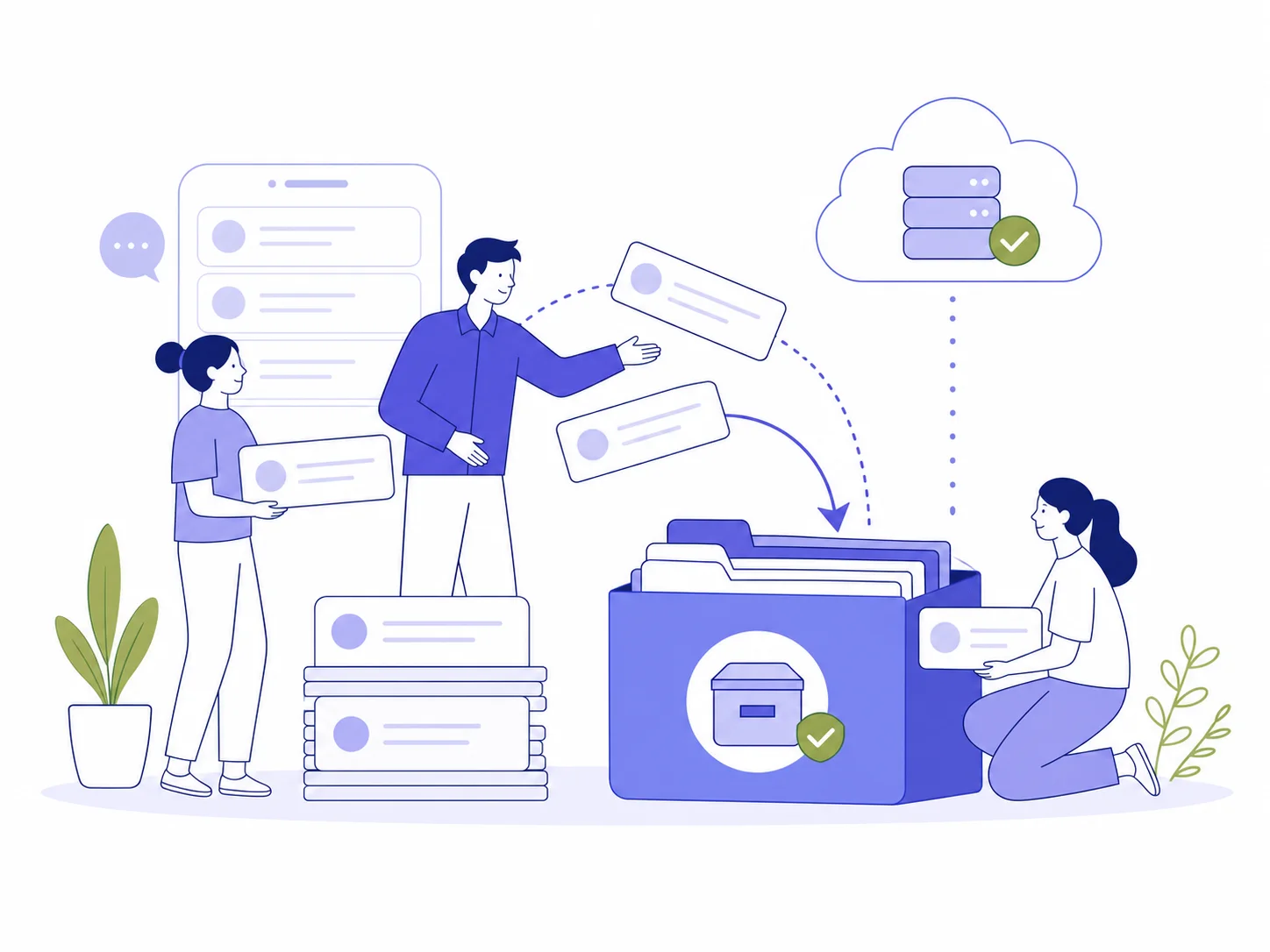
iPhone message export app · iOS 16+
Turn Messages, iMessage, WhatsApp, and other chat screenshots or screen recordings into PDF, CSV, or TXT directly on your iPhone. No computer or chat account login needed.

An iOS app, not a
desktop backup tool
MsgPort works with screenshots and screen recordings you choose. It gives long threads structure without asking for a Messages, WhatsApp, or social account login.
The simple flow
Bring the format you already have. MsgPort does the organizing.
Select a batch of screenshots, or capture a conversation as a screen recording on your iPhone.
On-device OCR finds speakers, timestamps, and message order, then turns them into an editable conversation.

Export a polished PDF, a structured CSV, or lightweight plain text whenever you need it.
 Clean enough to keep
Built around the finish line
Whether you are building a case file, keeping a personal archive, or moving notes into a spreadsheet, the output should look ready the moment it leaves your phone.
Keep the visual rhythm of the original conversation with dates, speakers, and clean page breaks.
Made for real life
Documentation
Turn a long exchange into a dated file that is easier to review, print, or attach to a case.
Export messages as PDFPersonal archive
Keep the words you want to revisit without scrolling through years of a chat app.
Save iMessages as textResearch & notes
Move a chat into a format that works with spreadsheets, notes, and your existing workflow.
Convert chat to CSViOS app use cases
Choose the result you need, then see how MsgPort handles it directly on iPhone.
Create a readable, printable PDF from message screenshots or a screen recording without a computer.
See the iPhone app workflow iOS app · Chat screenshot OCRRecognize the visible messages in screenshots or a screen recording and export searchable files.
See the iPhone OCR workflow iOS app · WhatsApp exportTurn the selected part of a WhatsApp conversation into PDF, CSV, or text.
See the iPhone app workflowYour messages are yours
MsgPort is built around the files already on your iPhone. It does not ask for access to your messaging accounts, and the developer states that no data is collected.
Read our privacy noteAccuracy and limits
MsgPort reads the screenshots or screen recordings you choose and uses OCR to reconstruct visible conversation text. It cannot recover messages that are not visible, and OCR should be checked before a legal, workplace, or archival decision. Updated August 9, 2026 by the MsgPort product team.
Read the export guidesStill curious?
The short version of how MsgPort works and what it can export.
Open in the App StoreMsgPort reads chat screenshots and screen recordings, then exports the recognized conversation as PDF, CSV, or plain text. It works with iPhone Messages and visual chats from apps such as WhatsApp, Instagram, Messenger, and Telegram.
No. You choose the screenshots or screen recording to import. MsgPort does not require a messaging account login or direct access to a chat database.
Yes. Record a conversation on iPhone, import the recording, and MsgPort extracts the useful frames before organizing the messages.
MsgPort is an iPhone app for iOS 16.0 or later. It is currently not available as a Mac, iPad, or Android app.
Make the thread useful
